Screenshot tools for Linux in 2026
Lightshot has no Linux app yet, though its makers say it runs under Wine. The Greenshot team says there are no plans for a Linux version, and ShareX for Linux is still in preview. If you need a screenshot tool that works on Linux today, the six below do: the tool built into GNOME, KDE Spectacle, Flameshot, Ksnip, Shutter and Markup Hero. Prices are as of November 2026.
Try Markup Hero Free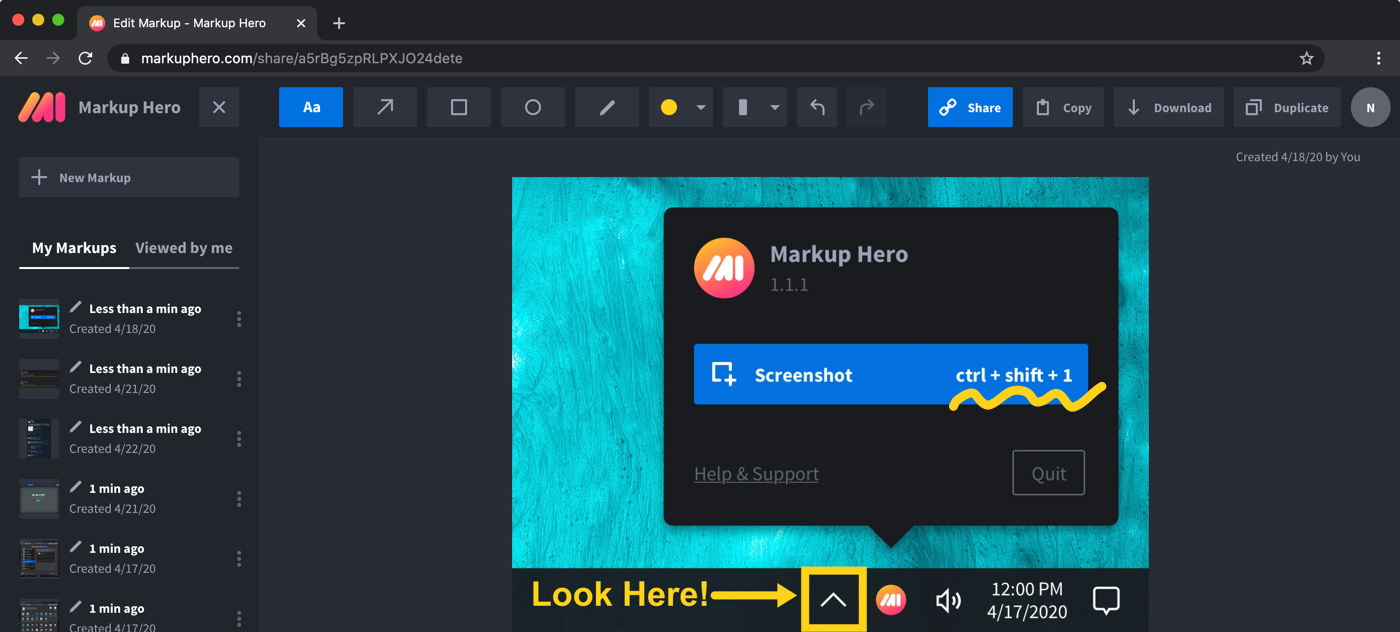
The options at a glance
Checked on November 29, 2026.
Lightshot, Greenshot and ShareX on Linux
Lightshot's download page says it does not have an application designed specifically for Linux yet, but that you can run it using Wine, and that it is tested on Ubuntu. Greenshot is written with the Microsoft .NET framework, and its team says there are currently no plans to create a Greenshot version for Linux. ShareX for macOS and Linux is in preview on its cross-platform branch, with preview builds for Linux.
If you liked one of these on Windows, the closest Linux matches below are Flameshot (drag a box, mark it up on screen, save) and Ksnip or Shutter (a fuller editor). Our lists of Lightshot alternatives, Greenshot alternatives and ShareX alternatives also cover Windows and Mac tools.
Markup Hero: a Linux desktop app (Beta) and a browser editor
Markup Hero is a screenshot and annotation tool that runs in the web browser. Its free desktop screenshot app for Linux is labelled Beta; each screenshot opens in the Markup Hero editor in your browser. You can also use the Chrome extension or the Firefox add-on, which both take scrolling (full page) screenshots. In the editor you add text, arrows, shapes, pen and highlighter marks, blur and signatures, mark up multi-page PDFs, and share a link that others can annotate too.
The free Basic plan allows 25 markups, with annotations editable for 24 hours and 8 MB per upload. Premium is $10/month, or $4/month billed yearly ($48/year), and Lifetime is $199 one-time. Get the apps on the download page, or try it now without an account.
- Good for: the same tool on Linux, Windows, Mac and Chromebook, PDFs, and share links.
- Not for: screen recording or offline editing, which Markup Hero does not do.
Flameshot: free and open source, much like Lightshot
Flameshot is a free and open-source, cross-platform screenshot tool with 64-bit builds for Linux, Windows and macOS. On Linux you can install it from your package manager (for example apt install flameshot on Ubuntu 18.04+ and Debian 10+, or dnf on Fedora), as an AppImage, from Snapcraft or from Flathub. You drag a selection box and mark it up on screen: arrows, highlights, blur or pixelate, text, drawing, rectangles and circles, numbered counters and solid boxes.
A command-line interface lets you script Flameshot and bind it to keys. It can also upload a screenshot to Imgur; its docs say those uploads are anonymous and not tied to your profile. See flameshot.org.
- Good for: fast captures with on-screen markup on almost any distribution.
- Not for: hiding text with blur. Flameshot's own docs suggest its pixelate tool when you want to protect privacy.
GNOME Screenshot: built into the GNOME desktop
If your desktop is GNOME, you already have a screenshot tool. Press the Print key or the screenshot button in the system menu, then capture a selected area, the whole screen or a window. Alt+Print captures the window in focus and Shift+Print the entire screen. The same tool records the screen too: switch to screencast mode, or press Shift+Ctrl+Alt+R.
Screenshots are saved automatically in Pictures/Screenshots in your home folder and copied to the clipboard, so you can paste them straight into an image editor. Screencasts go to Videos/Screencasts. The steps are in GNOME Help.
- Good for: quick captures and short screen recordings with nothing to install.
KDE Spectacle: KDE's screenshot app
Spectacle is KDE's application for capturing and editing desktop screenshots. It captures the entire desktop, a single monitor, the active window, the window under the mouse or a rectangular region, and its handbook says the images can then be annotated, printed, sent to other applications or saved as they are. It has keyboard shortcuts for taking screenshots.
Spectacle is open source under the GPL-2.0+ license and is still actively released (version 6.8.3 came out on 10 November 2026). Install it from Discover or your distribution's package manager; see Spectacle on apps.kde.org.
- Good for: KDE users who want capture and annotation from the same app.
Ksnip: cross-platform, with Wayland support
Ksnip is a Qt-based, cross-platform screenshot tool with many annotation features. It supports Linux (X11, Plasma Wayland, GNOME Wayland and xdg-desktop-portal Wayland), Windows and macOS, and ships as RPM, DEB, APT, Snap, Flatpak and AppImage for Linux. You annotate with a pen, marker, rectangles, ellipses, text and stickers, pin screenshots above other windows, print or save to PDF, and upload to Imgur, FTP or your own script. OCR is available through a plugin.
Ksnip is copylefted libre software under the GPL-3.0 license. Two things to know: its global hotkeys currently work only on Windows and X11, and its developer is looking for a co-maintainer to help keep the project going.
- Good for: a full annotation editor on Linux, including Wayland sessions.
- Not for: people who rely on global capture shortcuts in a Wayland session.
Shutter: a feature-rich screenshot program for Linux
Shutter is a screenshot program for Linux based operating systems such as Ubuntu. It captures a selected area, a window, the whole desktop (including multi-monitor setups), a menu or tooltip after a countdown, or a website. Its built-in editor adds text, arrows, rectangles, ellipses and lines, has censor and pixelize tools to hide private data and an auto-increment shape for numbered steps, and can crop. It can upload a screenshot and give you a link for a forum or wiki.
Shutter is free, open source and licensed under GPL v3. Its latest release, 0.99.7, came out on 9 May 2026. See shutter-project.org.
- Good for: tutorial and manual writers who want numbered steps and effects without opening GIMP.
- Not for: Windows or Mac users; Shutter is a program for Linux.
What to check before you pick one
- Which desktop? GNOME includes a screenshot tool, and KDE makes Spectacle, so try the one for your desktop first.
- Wayland or X11? Ksnip lists which capture modes work on each; global shortcuts differ by session.
- Do you need to share? Markup Hero gives a share link others can annotate; Flameshot, Ksnip and Shutter can upload images.
- Do you need video? The GNOME tool records the screen. Markup Hero does not record video.
Frequently asked questions
Is there a Snipping Tool for Linux?
If you use GNOME, its built-in screenshot tool works much like it: press the Print key and select an area, a window or the whole screen. KDE's Spectacle does the same and can annotate. Flameshot is the nearest to snip and mark up in one step, and Ksnip and Shutter add fuller editors.
Does Lightshot work on Linux?
Not natively. Lightshot's download page says it has no application designed specifically for Linux yet, but it can run using Wine and is tested on Ubuntu. Flameshot works in a similar way and installs from most distributions' package managers.
Is there a Greenshot or ShareX version for Linux?
Greenshot's team says there are currently no plans for a Linux version. ShareX for macOS and Linux is in preview on its cross-platform branch, so a Linux preview build is available to download.
Does Markup Hero work on Linux?
Yes. There is a free Linux desktop screenshot app, labelled Beta, and every screenshot opens in the Markup Hero editor in your browser. The Chrome extension and Firefox add-on also work on Linux. Editing happens in the browser, so you need an internet connection, and Markup Hero does not record video.
Which Linux screenshot tools are free?
Flameshot, Ksnip and Shutter are free and open source, and Spectacle is open source under the GPL-2.0+ license. The GNOME tool comes with the desktop. Markup Hero has a free Basic plan with 25 markups; Premium is $10/month.
Can I mark up a PDF on Linux?
Markup Hero imports multi-page PDFs in the browser, so you can add text, arrows, highlights and signatures and export the result as a PDF. The other tools in this list are built mainly for screenshots.
Prices and features checked on November 29, 2026 on each product's own website: app.prntscr.com, getgreenshot.org, getsharex.com, flameshot.org, flameshot.org, flameshot.org, help.gnome.org, apps.kde.org, docs.kde.org, github.com, shutter-project.org, flameshot.org. Prices can change; check the vendor's site before you buy.
More comparisons: Markup Hero vs. other screenshot tools.
New and coming soon from Markup Hero
Photo reports are live in SuperHero plans, and two more tools are on the way. Join a waitlist to get early access.
Markup Hero for teams in: