Engineering Drawing Markup, Made Simple
Redline drawings, schematics and P&IDs, flag issues on screenshots and sign off on changes, all in your browser. Share one link with your team, the client or the fabricator.
Free plan, no credit card. Works in Chrome, Edge, Safari and Firefox on Mac, Windows and Linux.
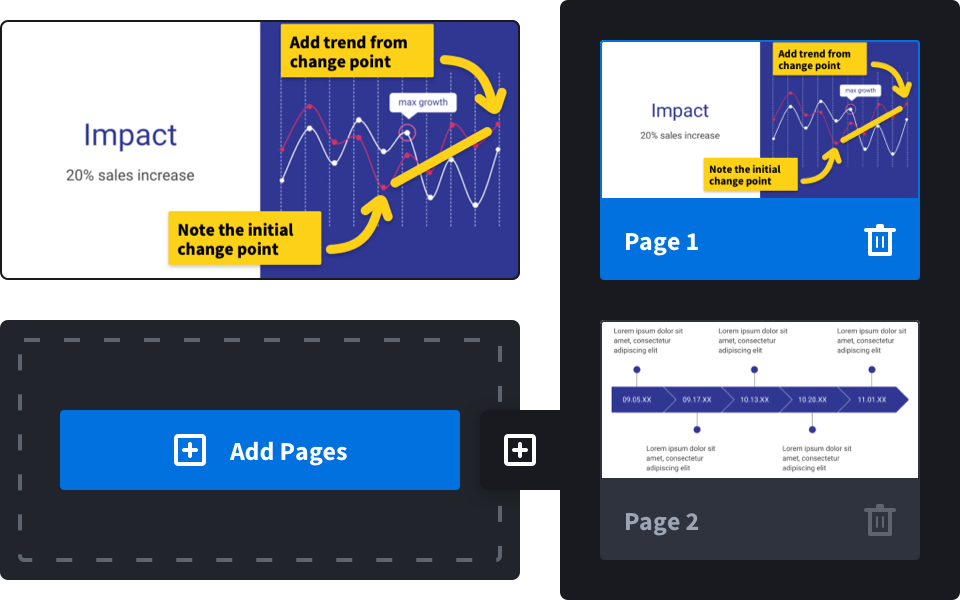
Redline drawings and schematics
Upload a PDF or image of the drawing and mark it up: an arrow to the problem, a box around the revision, the dimension that has to change in text. Use red for redlines and green for approvals, and set the line thickness so every note stays readable.
- Mechanical, electrical and civil drawings
- P&IDs and wiring diagrams
- Shop drawings and submittals
- Calculation sheets and test reports
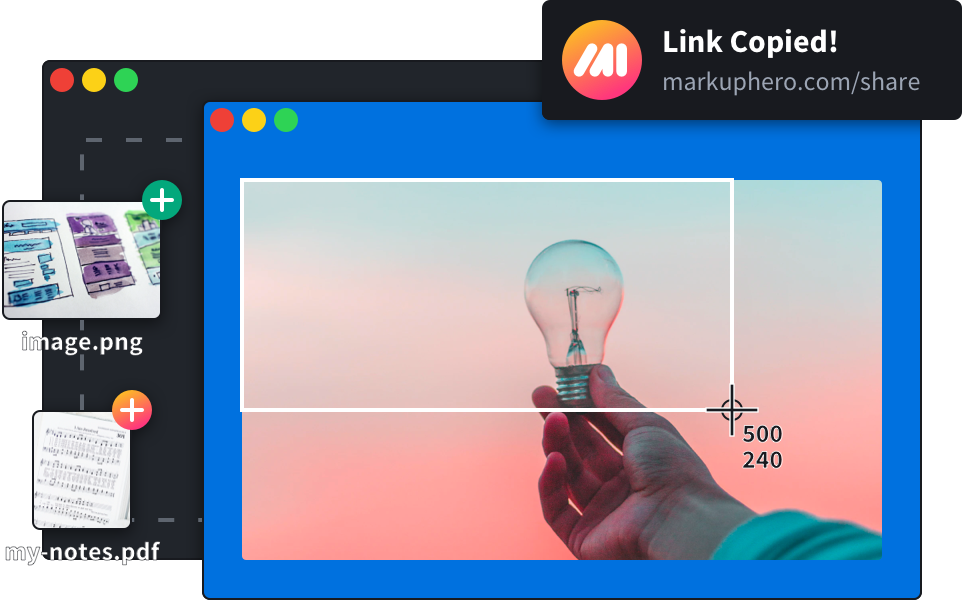
Explain problems with annotated screenshots
Capture any window, CAD viewer, model or dashboard with the free desktop app or Chrome extension, then annotate it before it goes into the ticket, email or report. Long web pages fit in one scrolling screenshot.
- Design review comments
- HMI and instrument screens
- Simulation and test results
- Field issues from photos
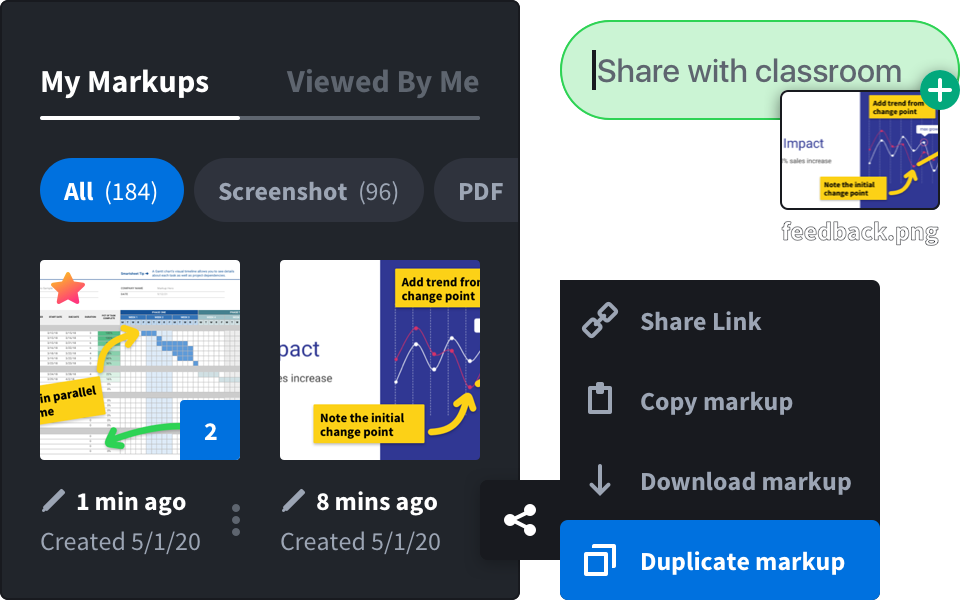
Approve, sign and keep a record
Add your signature to approvals and change requests, blur anything confidential, and share the markup or download it as a PDF for the project record.
- Signatures
- Blur for confidential details
- PDF and image download
- Full history of your markups
Three steps from drawing to decision
Upload or capture
Upload a PDF, image or photo, or capture your screen with the free desktop app.
Redline
Arrows, boxes, ovals, lines, pen, highlighter and text in any color and thickness.
Share
Send a link that opens in any browser, or download a PDF.
Markup tools engineers use every day
No license server, no installs for your reviewers.
 PDF, image and photo markupDesktop and browser screenshotsScrolling screenshotsArrows, lines, boxes, ovalsText, callouts and highlightsSignaturesBlur toolShare links with previewsTeam plans
Measurements on drawings
Set a scale and measure lengths right on the plan, stamp sheets and put many annotated photos into one branded PDF report. It is part of photo and plan reports, included in SuperHero plans.
See photo reportsQuestions and answers
Which file types can I mark up?
PDFs and common image files such as PNG and JPG, plus screenshots captured with our free apps. Export CAD drawings to PDF first.
Can I measure on drawings?
Yes, on SuperHero plans. Set the scale on a plan and measure lengths right on the drawing. It is part of photo and plan reports.
Can my whole team use it?
Yes. Team plans let you invite members and pay with one bill. See pricing.
Is it free?
There is a free plan with no credit card required.