Markup Software for Construction Teams
Mark up plans, PDFs and job-site photos right in your browser, then send one link to your crew, subcontractors and clients. There is nothing to install and nothing for them to sign up for.
Free plan, no credit card. Works in Chrome, Edge, Safari and Firefox on Mac, Windows and Linux.
Redline drawings without heavy desktop software
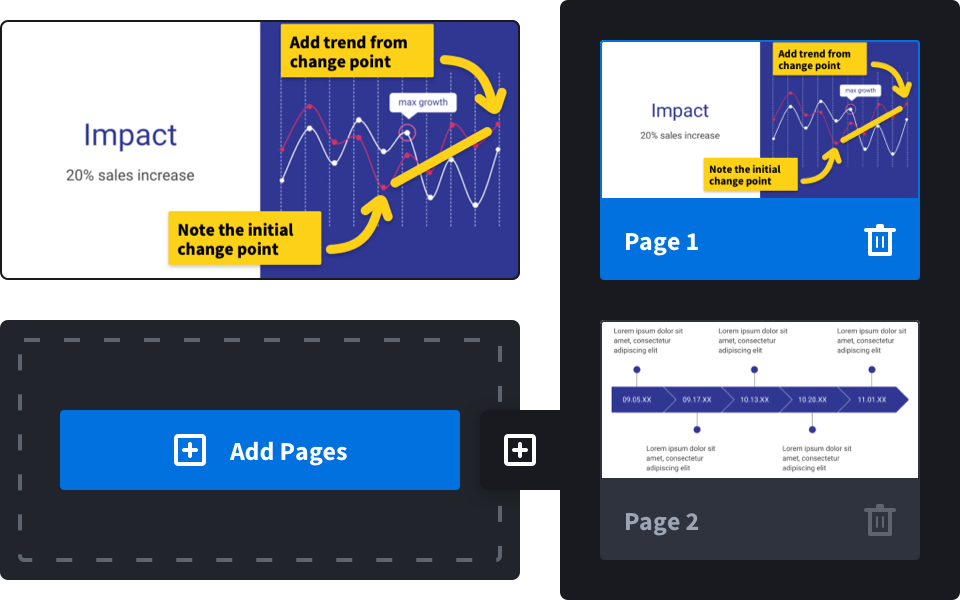
Upload a drawing set or a single sheet as a PDF and every page is ready to mark up. Circle the clash on A-201, add a callout on the detail, highlight the spec note and type the RFI number right next to it.
- Mark up multi-page drawing sets page by page
- Point out changes with arrows, boxes and callouts
- Sign change orders and sign-off sheets
- Blur prices or personal details before you share
Turn job-site photos into clear instructions
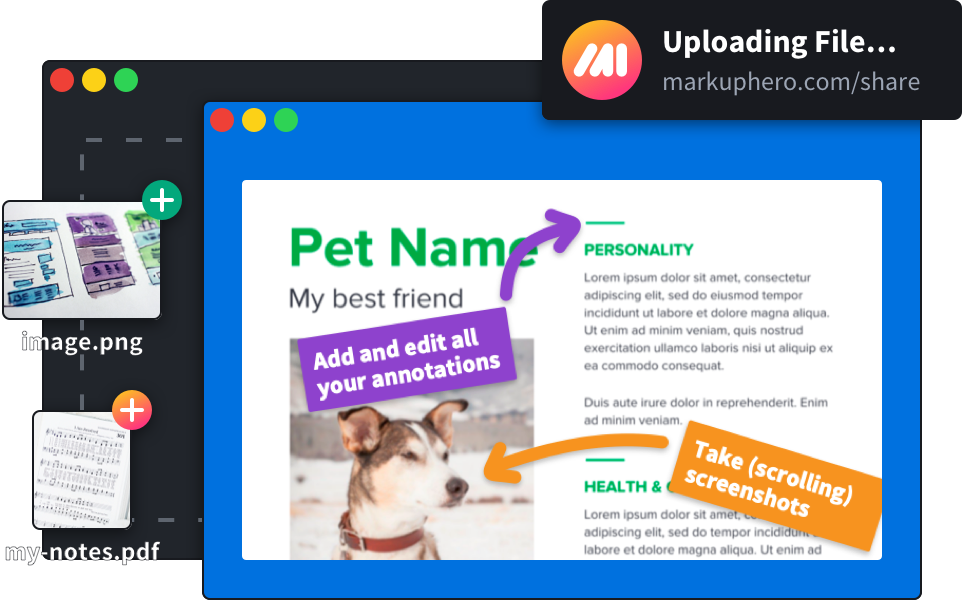
Upload a photo of the framing, the punch-list item or the damaged delivery and mark exactly what needs fixing. Add several photos as pages of one markup, so the whole walk-through travels as a single link.
- Punch lists and snag lists
- Damage and delivery records
- Progress updates for owners
- Safety issues to correct
Share one link with everyone on the project
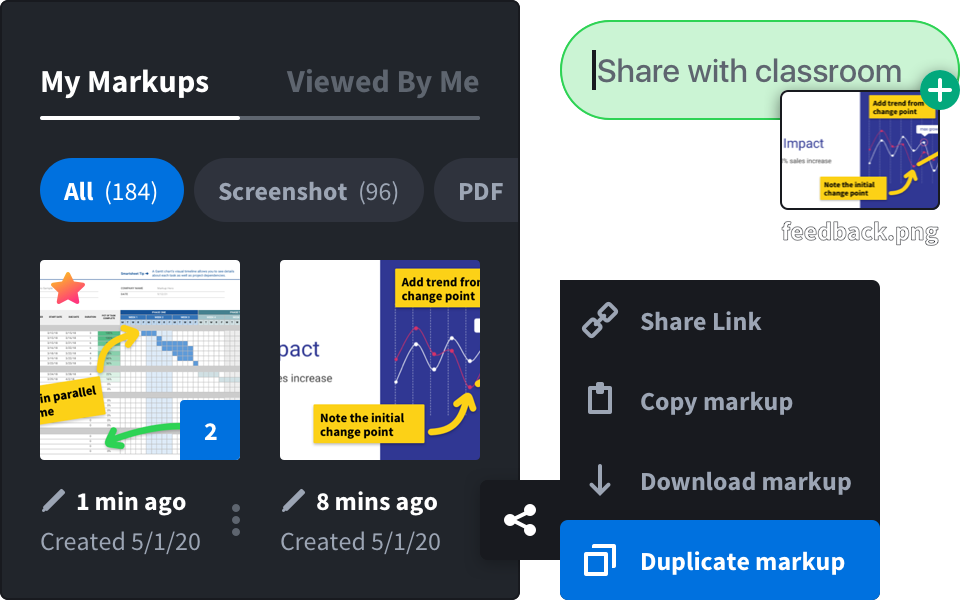
Every markup gets a share link that opens in any browser and shows a preview in email, Slack and text messages. Nobody needs an account to view it, and you can let others add their own notes. Prefer files? Download a PDF or an image.
- Works on Mac, Windows, Linux and Chrome
- Free desktop app and Chrome extension for screenshots
- Team plans with one bill for the whole company
From the site to the team in three steps
Upload or capture
Drop in a PDF drawing, a photo from the site or a screenshot of the model or schedule.
Mark it up
Use arrows, boxes, ovals, lines, a pen, highlighter and text. Add a signature or blur what others shouldn’t see.
Share the link
Send the link by email, text or Slack, or download a PDF for the project file.
Everything you need for quick markups
The everyday markup tools, without a license to buy or software to learn.
 Multi-page PDF markupPhoto annotationArrows, boxes, ovals and linesText, callouts and highlightsSignaturesBlur tool for sensitive detailsShare links with previewsPDF and image downloadCollections and full history
Branded photo and plan reports
Put many annotated photos into one branded PDF with your logo, captions and page numbers, measure on drawings and stamp sheets Approved or Rejected. Included in SuperHero plans.
See photo reportsQuestions and answers
Is Markup Hero free for construction teams?
Yes. You can start on the free plan and mark up PDFs and photos without a credit card. Paid plans add more markups and team features; see pricing.
Can I mark up a whole drawing set?
Yes. A multi-page PDF opens with page controls, so you can annotate each sheet and share the whole set or a single page.
Do subcontractors and clients need an account to see my markups?
No. A share link opens in any web browser. You can also let them add their own annotations to the markup you shared.
Is Markup Hero a Bluebeam alternative?
For quick markups, yes. Bluebeam Revu is built for takeoffs, measurements and very large document sets. Markup Hero is for marking up a sheet or a photo and getting it in front of someone in seconds, from any computer, without a license. Measurements on drawings and stamps are part of photo and plan reports in SuperHero plans.
Can I use it on a phone or tablet on site?
Markup Hero runs in the web browser, so you can open, view and share markups on a phone or tablet. For detailed redlines, a computer is easier.