A Simple Markup Tool for Architects
Redline drawings, renderings and site photos in your browser, and share them with clients, consultants and contractors in one link. Nothing to install, and nothing for your clients to learn.
Free plan, no credit card. Works in Chrome, Edge, Safari and Firefox on Mac, Windows and Linux.
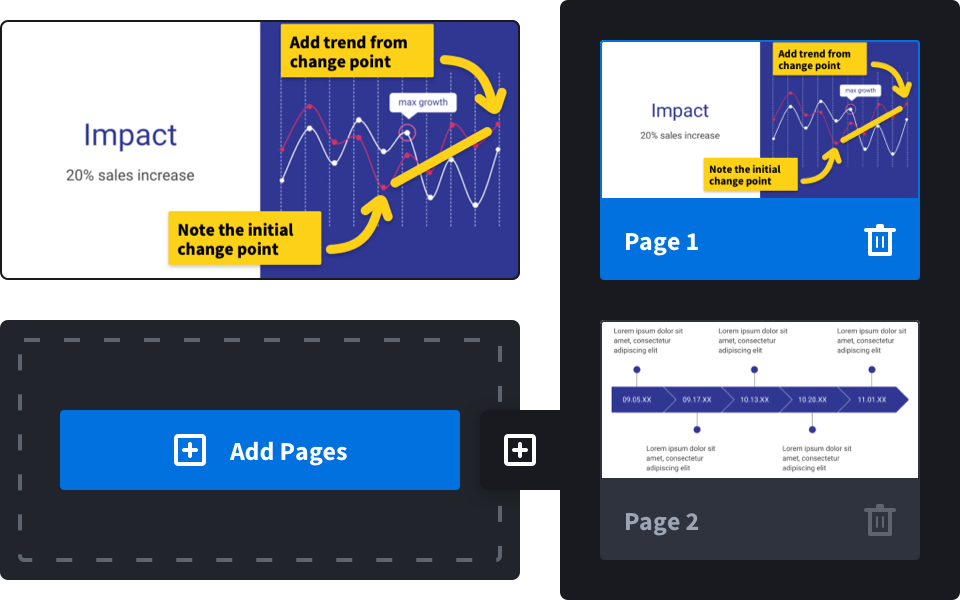
Redline drawing sets and details
Open a PDF set and every sheet is ready to mark up. Circle the door swing, call out the window change and highlight the code note, with arrows, boxes, ovals, lines, a freehand pen and text in any color.
- Multi-page PDF sets
- Callouts and text notes
- Highlights on specs and code notes
- Crop to the detail you are discussing

Clear feedback on renderings and design options
Clients often struggle to describe what they want changed. Send them a share link and let them point and type right on the image, or mark up their emailed comments yourself so the whole team sees the same thing.
- Design reviews with clients
- Comments on renderings and mood boards
- Coordination with consultants
- Site visit photos during construction
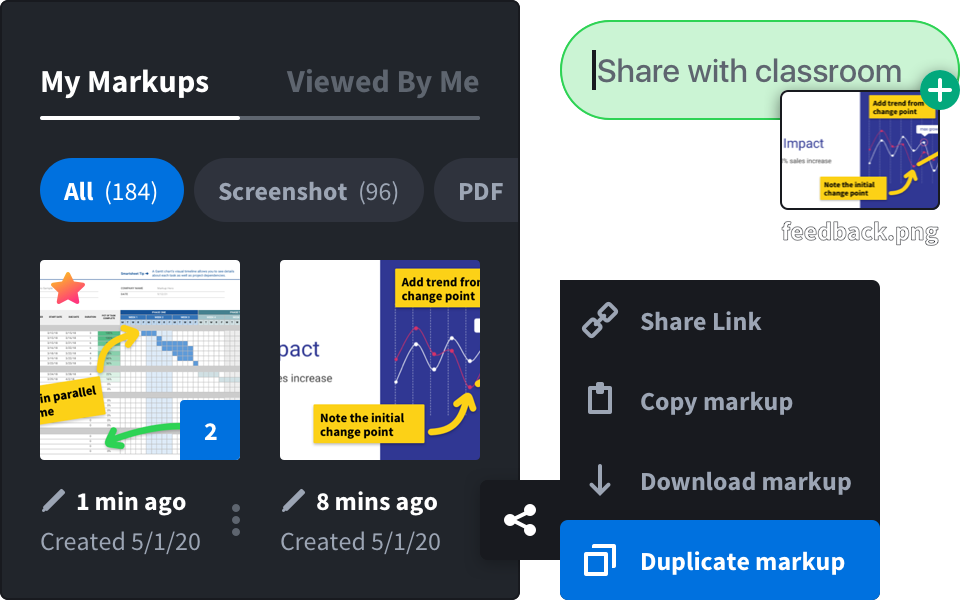
Keep every review in one place
Give each markup a title, star the important ones and group them into collections by project. Your history keeps every markup you have made, so last month’s comments are seconds away.
- Titles, favorites and collections
- Full markup history
- Team plans with one bill
How architects use Markup Hero
Export or upload
Export sheets from AutoCAD, Revit or SketchUp as PDF or images and upload them, or capture your screen.
Redline
Mark changes, add notes and highlight what matters. Blur anything confidential.
Send one link
Clients, consultants and contractors open it in any browser, no account needed.
The markup tools architects reach for
Simple enough for clients, quick enough for daily coordination.
 PDF and image markupArrows, lines, boxes and ovalsText and calloutsHighlighter and penCrop and insert imagesSignaturesShare links with previewsPDF downloadCollections by project
Site observation reports
Turn annotated site photos into one branded PDF report, with measurements on drawings and stamps. Included in SuperHero plans.
See photo reportsQuestions and answers
Can I mark up AutoCAD or Revit drawings?
Export the sheets to PDF or images first, then upload them. Markup Hero works with PDFs and common image files such as PNG and JPG; it does not open DWG or RVT files directly.
Can clients comment without creating an account?
Yes. Anyone with the share link can view the markup in a browser, and you can let them add their own annotations.
Are my drawings private?
You decide who sees each markup with its privacy settings, and a shared markup is only visible to people who have the link.
Is it free?
There is a free plan with no credit card required. Paid plans add more markups and team features; see pricing.