Photo & Document Markup for Real Estate
Point out repairs on property photos, mark up floor plans and inspection reports, and send clients and vendors one clear link.
Free plan, no credit card. Works in Chrome, Edge, Safari and Firefox on Mac, Windows and Linux.
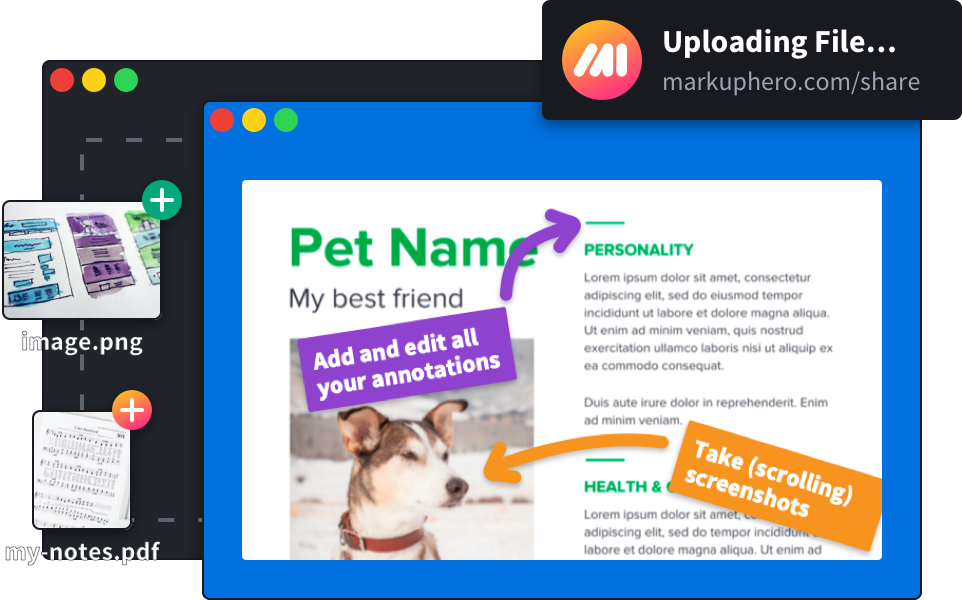
Show exactly what needs attention
Upload photos from a showing or walk-through and circle the water stain, the cracked tile or the loose handrail. Add a note next to each item so the seller, contractor or buyer knows exactly what you mean.
- Repair requests after an inspection
- Move-in and move-out condition records
- Instructions for vendors and contractors
- Notes on staging and listing photos
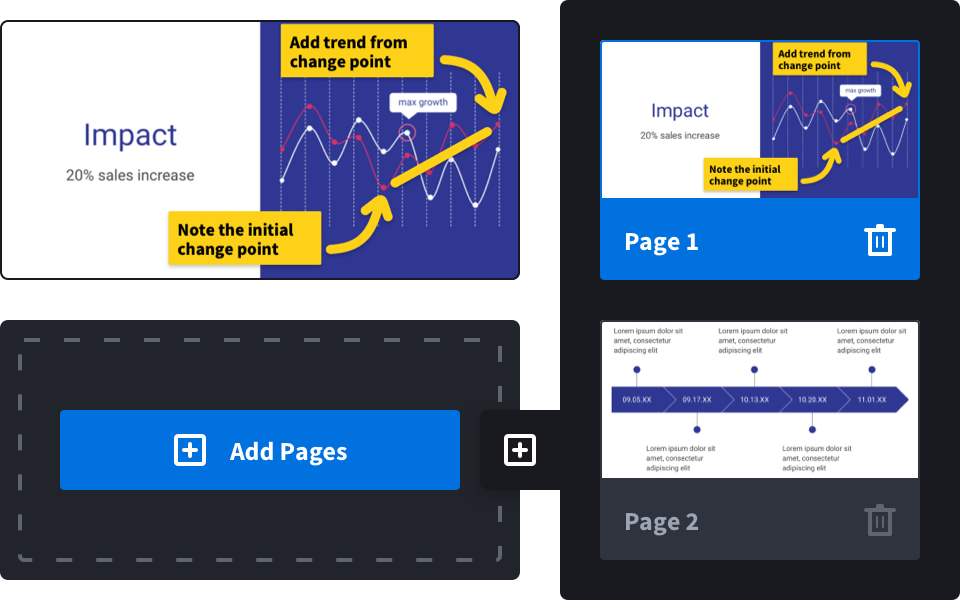
Mark up floor plans and documents
Highlight rooms on a floor plan, sketch where the furniture goes, or flag the clause in a disclosure for your client. Blur personal details before you share.
- Floor plans and site plans
- Inspection reports and disclosures
- HOA and lease documents
- Listing feedback
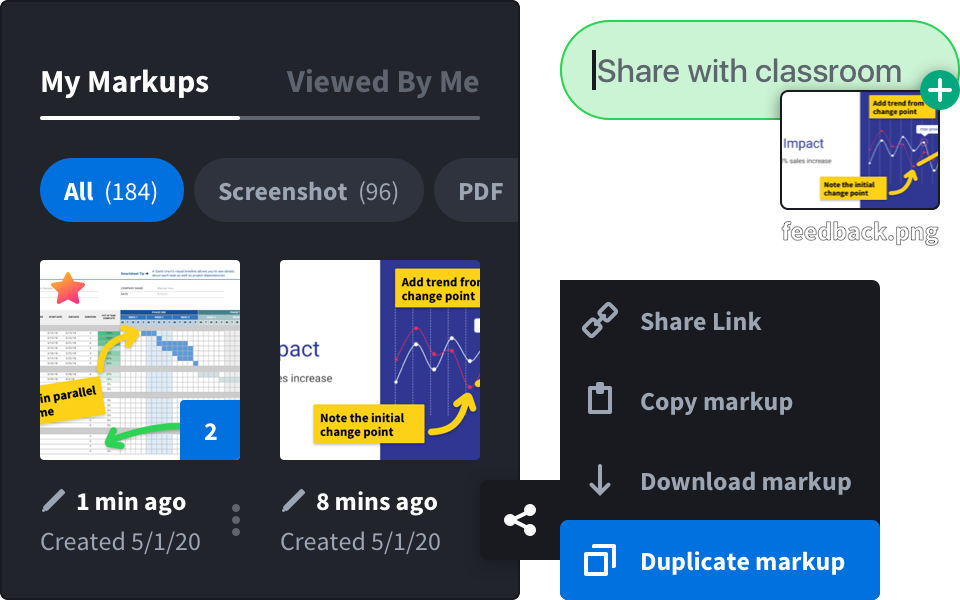
Share it in one link
Text or email a link that opens in any browser with a preview of the image. Clients don’t need an account. You can also download a PDF to attach to the file.
- Link previews in texts and email
- PDF and image download
- Collections per property
Three steps, any device
Upload
Add photos from your phone or computer, or a PDF like the inspection report.
Annotate
Circle, point, highlight and add notes. Blur faces, plates or personal details.
Send
Share one link with the client or vendor, or download a PDF.
Built for agents, managers and inspectors
 Listing agentsBuyer’s agentsProperty managersHome inspectorsInvestors and flippersContractors and vendors
Branded condition and inspection reports
Turn many annotated photos into one branded PDF report with your logo, stamps and notes. Included in SuperHero plans.
See photo reportsQuestions and answers
Can I annotate photos on my phone?
Yes. Markup Hero runs in the browser, so you can upload, mark up and share photos from a phone, tablet or computer.
Do my clients need an account?
No. A share link opens in any web browser.
Can I put my brokerage’s branding on reports?
Yes, on SuperHero plans. Photo reports carry your logo, company name and contact details.
Is it free?
There is a free plan with no credit card required. Paid plans add more markups and team features; see pricing.