Markup for Finance and Accounting Teams
Flag the number that doesn’t tie, circle the line item in question and blur the account details before you share. Mark up statements, spreadsheets, invoices and dashboards in seconds.
Free plan, no credit card. Works in Chrome, Edge, Safari and Firefox on Mac, Windows and Linux.
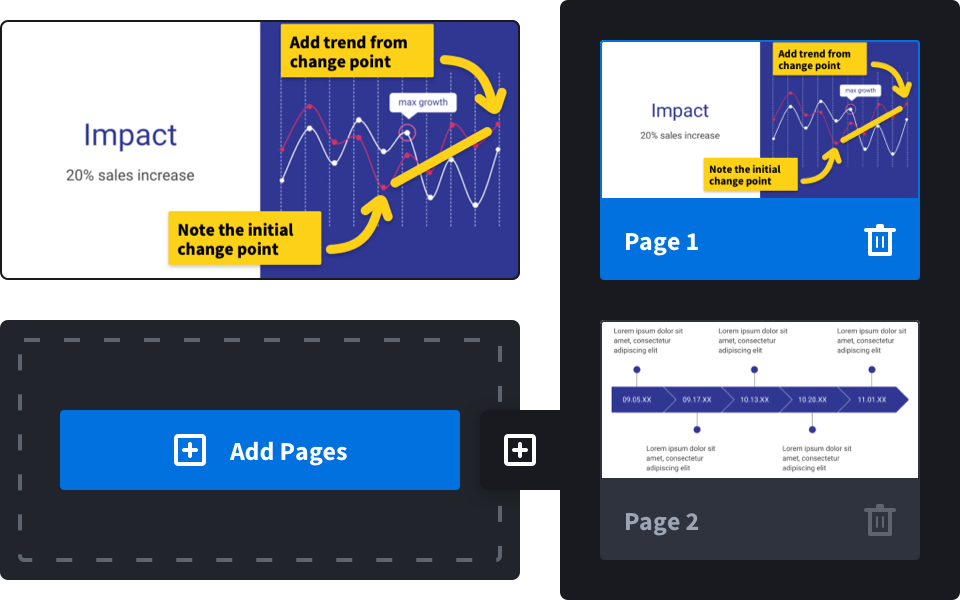
Review statements and reports faster
Upload a PDF of the P&L, the bank statement or the board deck and mark it up page by page. Highlight variances, add review notes and send one link back to the preparer.
- Month-end close reviews
- Audit requests and support
- Variance explanations
- Board and investor decks
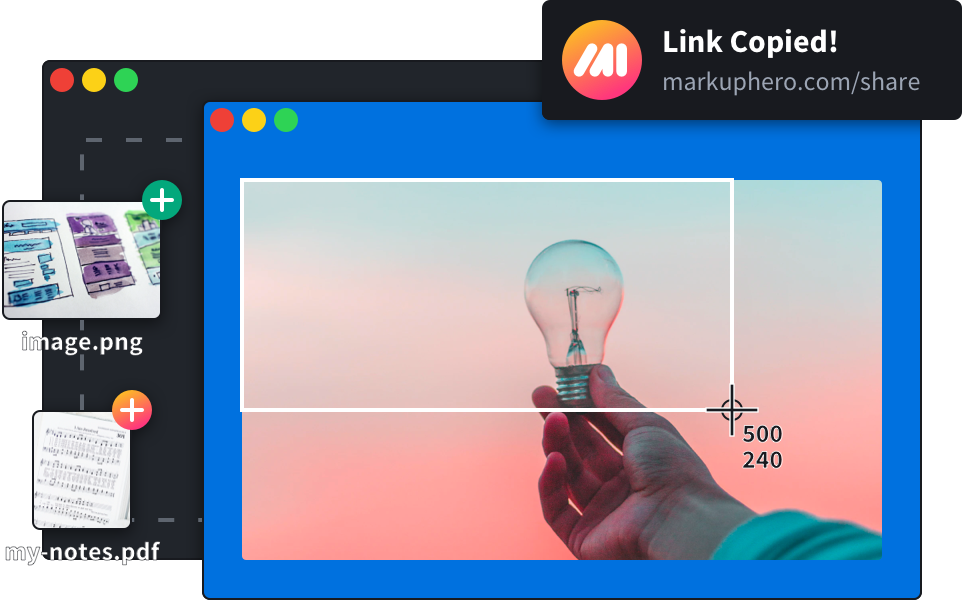
Spreadsheets and dashboards, explained
Capture part of a spreadsheet, an accounting system screen or a BI dashboard with the free desktop app or Chrome extension, then point to the exact cell or chart. Long reports fit in one scrolling screenshot.
- Excel and Google Sheets
- Accounting and ERP screens
- BI dashboards
- Invoices and receipts
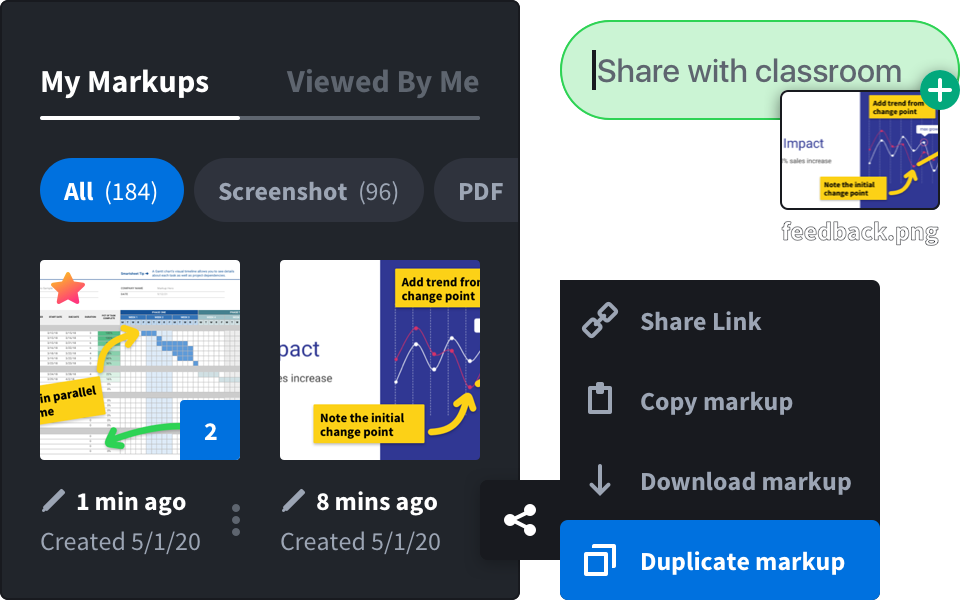
Share with care
Use the blur tool to hide account numbers, salaries or client names before a markup leaves your hands. Keep markups private, or share a link only with the people who need it.
- Blur tool
- Privacy settings per markup
- PDF and image download
- Team plans with one bill
Review in three steps
Upload or capture
Upload a PDF or image, or capture a screenshot of the sheet or dashboard.
Mark it up
Highlight, box, point and comment. Blur what others shouldn’t see.
Share
Send one link to your team, auditor or client, or download a PDF.
Made for reviewers
 PDF and image markupHighlighter and text notesArrows, boxes and ovalsBlur toolScrolling screenshotsSignaturesShare linksPDF downloadCollections and history
AI step-by-step guides, coming soon
Document a process once: capture the steps, and AI writes the instructions and blurs personal data. Ideal for close checklists and training. Join the waitlist and we will tell you when early access opens.
Join the waitlistQuestions and answers
Can I mark up Excel files?
Take a screenshot of the sheet, or export it to PDF, and mark that up. Markup Hero annotates images and PDFs; it does not edit the spreadsheet itself.
How do I hide sensitive numbers?
Use the blur tool over account numbers, salaries or names before you share or download the markup.
Can my team share markups?
Yes. Team plans let you invite colleagues and pay with one bill. See pricing.
Is it free?
There is a free plan with no credit card required.