FastStone Capture alternatives in 2026
FastStone Capture is a lightweight Windows screen capture and recording tool, sold as a one-time license after a 30-day trial. People look for an alternative when the trial ends and they want something free, when they move to a Mac or Chromebook, or when they want to send screenshots as links instead of files. Here are seven options, with prices as of November 2026 and which ones record video.
Try Markup Hero Free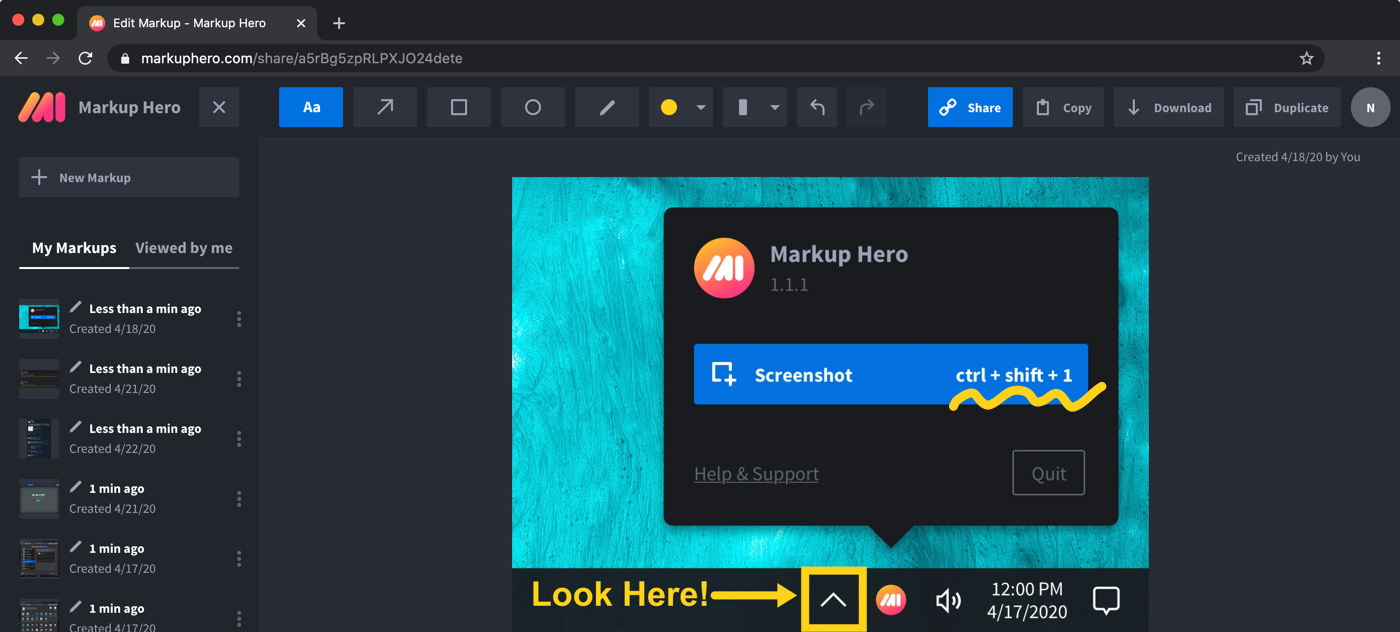
The options at a glance
Checked on November 29, 2026.
Which of these tools record video
If you use FastStone Capture for screen recording, keep that in mind as you compare. FastStone Capture, Snagit, ShareX, PicPick, Windows Snipping Tool (video snip) and the macOS Screenshot app all record the screen. Markup Hero does not record video of any kind: it is for screenshots, images and PDFs. Greenshot describes itself as a screenshot tool.
FastStone Capture: a one-time license for Windows
FastStone Capture captures windows, menus, regions and scrolling windows or web pages, copies text with OCR, and records the screen, sound and webcam into MP4 video files, with a built-in video editor. Captures can go to its editor, a file, the clipboard, the printer, email, Office documents or your website. It lists compatibility with Windows 11, 10, 8.x, 7, Vista and XP.
After the 30-day trial it needs a license: $29.95 one-time, with free upgrades, or $69.95 for a family license covering up to 5 computers (as of November 2026). See FastStone's order page.
- Good for: Windows users who want screenshots and video for a single payment.
- Not for: Mac, Linux or Chromebook users; FastStone lists Windows versions only.
Markup Hero: free, in the browser, with share links
Markup Hero is a screenshot and annotation tool that runs in the web browser. You take a screenshot or upload an image or PDF, mark it up with arrows, text, shapes, the highlighter and blur, and share it with a link. People you share with can add their own annotations to your markup. You can try it now without an account.
The Basic plan is free forever: 25 markups, annotations editable for 24 hours, 8 MB per upload. Premium is $4/month billed yearly ($48/year) or $10/month, and Lifetime is $199 one-time (as of November 2026). There are free screenshot apps for Mac, Windows and Linux (Beta), plus a Chrome extension for full page screenshots.
- Good for: Mac, Windows, Linux or Chromebook users who want to send a marked-up screenshot or PDF as a link.
- Not for: screen recording or video of any kind, or editing offline. Markup Hero does neither.
Snagit: paid screenshots and video on Windows and Mac
Snagit from TechSmith captures screenshots and records your screen, microphone, system audio and webcam. Snagit Individual is $39.00 per user per year, billed yearly (as of November 2026), so it is a subscription rather than a one-time license. The trial needs no credit card, but you create a TechSmith account. Its system requirements list Windows 10 (22H2 or higher) and 11, and macOS Golden Gate (27), Tahoe (26) or Sequoia (15). See our Snagit alternatives page for a wider comparison.
- Good for: one paid tool for screenshots and video on both Windows and Mac.
- Not for: anyone who wants to pay once or pay nothing.
ShareX: free screenshots, recording and uploads
ShareX is a free and open source Windows tool for screen capture, screen recording and file sharing, with no account required. It can upload a capture to many destinations and then copy or shorten the link. Versions for macOS and Linux are in preview. Like FastStone Capture, it combines screenshots and screen recording in one app.
- Good for: free screenshots and video on Windows.
- Not for: anyone who needs a finished Mac or Linux app today.
Greenshot: a free screenshot tool for Windows
Greenshot is a light-weight, free and open source screenshot tool for Windows. You capture a region, a window or the full screen, then annotate, highlight or blur parts of it and save, print, copy or email the result. A Mac version is $1.99. Its FAQ says there are currently no plans for a Linux version.
- Good for: free screenshots and simple annotation on Windows.
- Not for: Linux users.
PicPick: all-in-one, free for personal use
PicPick captures the screen, including scrolling pages, records video with system audio and microphone, and has a full image editor plus design helpers like a color picker and pixel ruler. It is free for personal, non-commercial use; use at work needs a Pro license, listed at $36/year per user (as of November 2026). It is Windows-only, with no plans for a Mac or Linux build at this time.
- Good for: home users on Windows who want a free mix of screenshots, video and editing.
- Not for: free use at work, or Mac and Linux users.
Windows Snipping Tool: free and already installed
Snipping Tool comes with Windows: open the Start menu and type snipping tool. Microsoft's help page, written for Windows 11 and Windows 10, covers freeform, rectangle, window and full screen snips, a pen and highlighter, and a video snip of a selected part of the screen. You can save or share a snip. Compare it with others on our Snipping Tool alternatives page.
- Good for: quick screenshots and video clips with nothing to buy or install.
- Not for: computers that do not run Windows.
macOS Screenshot and Markup: free on a Mac
If you moved from Windows to a Mac, press Shift-Command-5 to open the Screenshot app. It captures the screen, a window or a portion, and records the whole screen, a window or a portion as video. Click the thumbnail to mark up a screenshot. Markup also lets you write, sign and draw on PDFs and images.
- Good for: Mac users who want free captures, recordings and simple markup.
- Not for: Windows or Chromebook users.
Frequently asked questions
Is FastStone Capture free?
No. FastStone's order page says Capture needs a license after a 30-day trial. As of November 2026 it costs $29.95 one-time for a lifetime license, or $69.95 for a family license that covers up to 5 computers. Free alternatives include ShareX, Greenshot, Windows Snipping Tool and Markup Hero's free plan.
Is FastStone Capture cheaper than Snagit?
Yes, on list prices. FastStone Capture is $29.95 one-time, while Snagit Individual is $39.00 per user per year, billed yearly (as of November 2026). Snagit runs on Windows and Mac; FastStone Capture lists Windows versions only.
Is there a FastStone Capture for Mac?
FastStone lists compatibility with Windows 11, 10, 8.x, 7, Vista and XP. On a Mac you can use the built-in Screenshot app and Markup, Snagit, the $1.99 Mac version of Greenshot, or Markup Hero in your browser with its free Mac screenshot app.
Which free alternative records video like FastStone Capture?
ShareX is free and records the screen on Windows. Windows Snipping Tool has a video snip, and the macOS Screenshot app records the screen on a Mac. PicPick records video too, but is free only for personal use. Markup Hero does not record video.
Can I share a screenshot as a link instead of a file?
Yes. Markup Hero gives each markup a share link with custom privacy settings, and the people you share with can add their own annotations. ShareX can upload a capture and copy the link, and PicPick can create a shareable web link.
What works on a Chromebook?
Markup Hero works in Chrome on a Chromebook: the Chrome extension takes screenshots of any tab, including full page screenshots, and the editor runs in the browser, so nothing else has to be installed.
Prices and features checked on November 29, 2026 on each product's own website: faststone.org, faststone.org, faststone.org, techsmith.com, techsmith.com, techsmith.com, techsmith.com, getsharex.com, getsharex.com, getgreenshot.org, getgreenshot.org, getgreenshot.org, picpick.app, picpick.app, support.microsoft.com, support.apple.com, support.apple.com. Prices can change; check the vendor's site before you buy.
More comparisons: Markup Hero vs. other screenshot tools.
New and coming soon from Markup Hero
Photo reports are live in SuperHero plans, and two more tools are on the way. Join a waitlist to get early access.
Markup Hero for teams in: