Markup Hero vs ShareX
Choose ShareX if you are on Windows and want a free, open-source power tool with screen recording, GIFs, OCR, automated after-capture tasks and uploads to a wide range of destinations. Choose Markup Hero if you are on a Mac or Chromebook, want to mark up PDFs and Google Docs, or want a share link that works right away. The biggest difference: ShareX is a Windows desktop app with many options to set up, while Markup Hero edits in the browser.
Try Markup Hero Free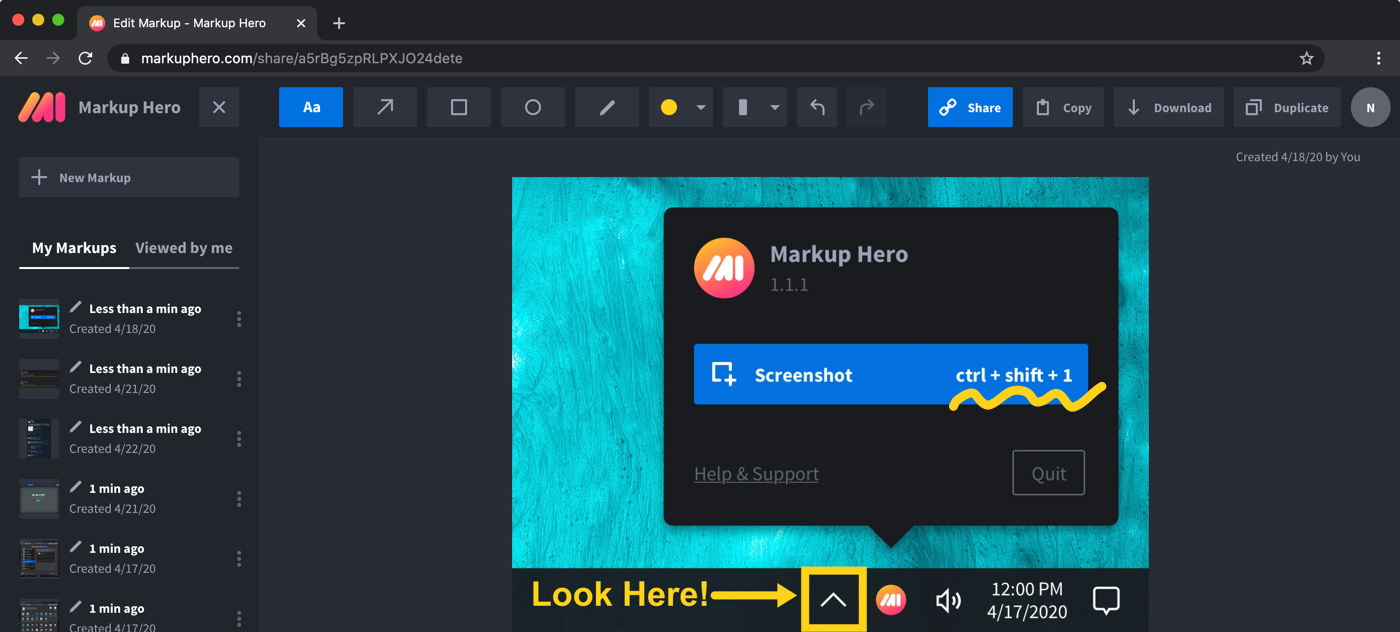
Markup Hero vs. ShareX at a glance
Checked on November 8, 2026.
Which one should you choose?
Choose Markup Hero if
- You are on a Mac or a Chromebook, or you switch between computers often.
- You want a share link that works right away, without picking an upload destination.
- You need to mark up multi-page PDFs, Google Docs, Sheets or Slides.
- You want the people you share with to add their own notes to the same markup.
- You want team members and billing managed in one place.
Choose ShareX if
- You need screen recording, including recording straight to a GIF.
- You are a Windows power user who wants automated after-capture tasks and custom workflows.
- You want to upload to your own storage with a custom uploader.
- You want a free, open-source tool with extras like OCR, QR codes, a color picker and pin to screen.
Pricing compared (as of November 2026)
ShareX is free and open source, with no account required, according to getsharex.com.
Markup Hero has a free Basic plan with no credit card: 1 user, up to 25 markups, annotations editable for 24 hours and files up to 8 MB. Premium is $10/month, or $3/month billed yearly ($36/year), with unlimited markups, annotations editable forever and 50 MB uploads. Premium Teams is $4 per user per month on an annual plan, and Lifetime is $199 one-time. See the pricing page.
What ShareX does better
ShareX packs screen capture, screen recording, file sharing and productivity tools into one Windows app. It can capture the full screen, a region, a window, a monitor or a scrolling page, and record your screen as video or as a GIF. Its editor annotates screenshots, redacts sensitive information, crops images and adds callouts.
After each capture, ShareX can run tasks you set up, such as copying, saving, recognizing text or uploading. It uploads images, files and text to a wide range of destinations, and its custom uploader can send files to storage you control, with guides for Amazon S3, Google Cloud Storage and Cloudflare R2. It also includes extras like a screen color picker, QR codes, an animated GIF maker and pin to screen.
Where Markup Hero fits better
Markup Hero works the same way on every computer, because the editor runs in any modern desktop, mobile or tablet browser. Take a screenshot with the free Mac, Windows or Linux (beta) app, the Chrome extension or the Firefox add-on, and it opens in the editor. Add arrows, text, shapes, blur and signatures, then share a link with a thumbnail preview. People you share with can add their own annotations, and anyone can duplicate a shared markup to edit their own copy.
- Open and annotate multi-page PDFs, images, Google Docs, Sheets and Slides.
- Free Google Drive app, plus apps for Slack and Notion.
- Export a multi-page PDF, download a PNG or copy the image to the clipboard.
Using ShareX on a Mac, Linux or a Chromebook
ShareX's main app is for Windows. Its site says ShareX for macOS and Linux is in preview on a cross-platform branch, with preview builds for Apple silicon, Intel Macs and Linux. It does not list a ChromeOS version.
Markup Hero's Mac app is a regular free download (default shortcut Command+Shift+1), and on a Chromebook the Chrome extension and browser editor work in Chrome with nothing else to install. Editing needs an internet connection, and there is no native iPhone, iPad or Android app, though the editor works in mobile browsers. Get the apps on the download page.
Frequently asked questions
Is ShareX free?
Yes. ShareX describes itself as free and open source, with no advertisements and no account required. Markup Hero also has a free plan, with up to 25 markups, and you can try it now without an account.
Is there a ShareX for Mac?
ShareX for macOS is in preview. Its site offers preview builds for Apple silicon and Intel Macs from a cross-platform branch, while its main app is for Windows. Markup Hero has a free Mac screenshot app that opens each capture in the browser editor.
Does ShareX work on a Chromebook?
The ShareX site lists Windows plus macOS and Linux preview builds, and no ChromeOS version. On a Chromebook, the Markup Hero Chrome extension and browser editor work in Chrome, including scrolling screenshots of a tab.
Can Markup Hero record my screen or make GIFs like ShareX?
No. Markup Hero does not do screen recording or video capture of any kind. If you need video or GIF recording, ShareX does both.
Can I annotate a PDF with Markup Hero?
Yes. Import a multi-page PDF, add text, arrows, highlights, blur or a signature, then share a link or export a PDF. See how to annotate a PDF.
Who can see a Markup Hero share link?
Each markup can be Public or Private. A Public markup can be opened by anyone who has its link; a Private markup can only be opened by you, and you can send an expiring link when someone else needs to see it. With a free account you can also organize past markups with titles, collections, tags and search.
Prices and features checked on November 8, 2026 on each product's own website: getsharex.com, getsharex.com. Prices can change; check the vendor's site before you buy.
More comparisons: Markup Hero vs. other screenshot tools.
New and coming soon from Markup Hero
Photo reports are live in SuperHero plans, and two more tools are on the way. Join a waitlist to get early access.
Markup Hero for teams in: