Install Successful!
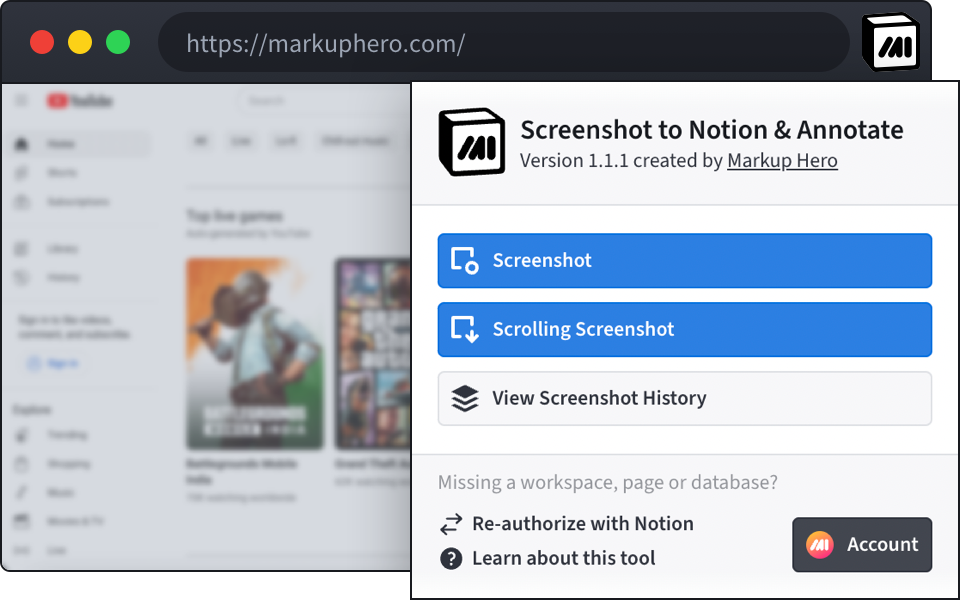
Open your 🧩 Chrome Extensions and pin 📌 Screenshot to Notion & Annotate to get started. Sign up to keep your screenshot history & unlock enhanced annotation features.
Sign Up For FreeContact Us Via Chat Below For Help
About The Integration
With this integration you can take screenshots of any website and instantly add them to a Notion page. Then you can add secure and editable annotations to this screenshot in Notion via Markup Hero.
Screenshot to Notion
Start by selecting the type of screenshot to take and where the screenshot should be added in Notion. You can take Screenshots and Scrolling Screenshots in Chrome.
Get Started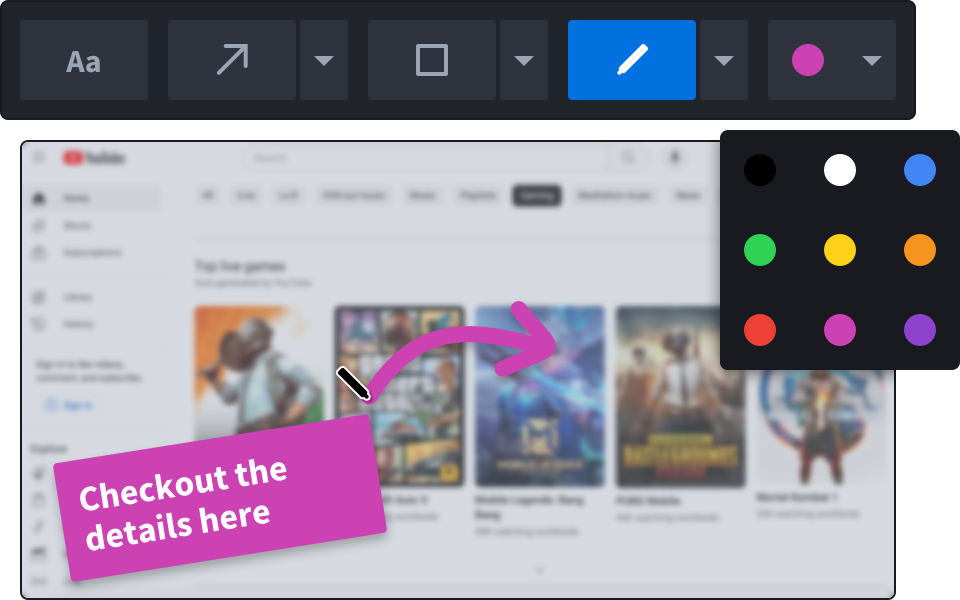
Add Annotations
Clearly communicate your message on your screenshots in Notion with easy to use annotation tools from Markup Hero.
Get Started