
Installation Successful!
Open your 🧩 Chrome Extensions and pin 📌 Markup Hero to get started. Sign up to edit past markups and keep your screenshot history .
Sign Up For Free
About The Extension
Five screenshot options including Scrolling, Select Area, and Visible Tab straight from your Chrome web browser.
 Add annotations like callouts, arrows, and 20+ markup tools
Stay organized with collections, titles and searching
Effortlessly share with automatic links copied to your clipboard
Add annotations like callouts, arrows, and 20+ markup tools
Stay organized with collections, titles and searching
Effortlessly share with automatic links copied to your clipboard
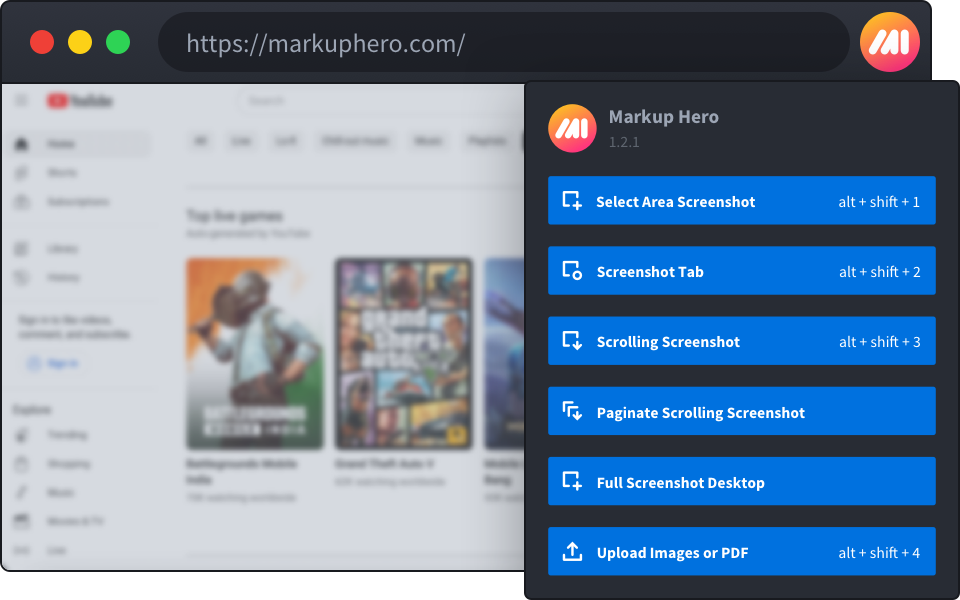
Take Screenshots
Capture a scrolling, visible tab, selected area, multi-page and full desktop screenshots.
Sign Up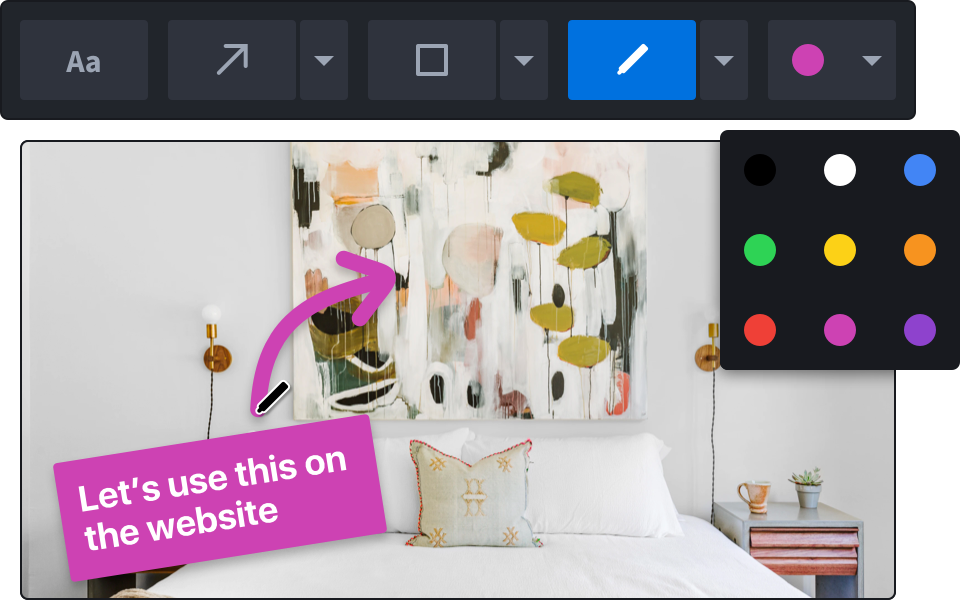
Add Annotations
Instantly add annotations like callouts, arrows, text, highlighters, and dozens more markup tools from any device with a web browser.
Sign Up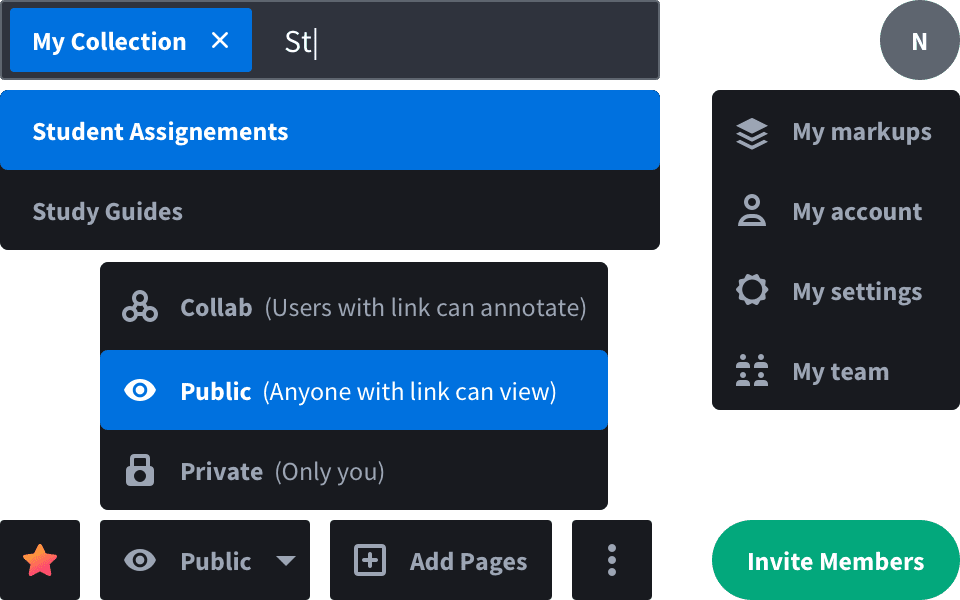
Stay Organized
Save screenhots and edit forever. Tag, title and search so nothing is ever lost. Markups are never flattened so you can always change annotations
Sign Up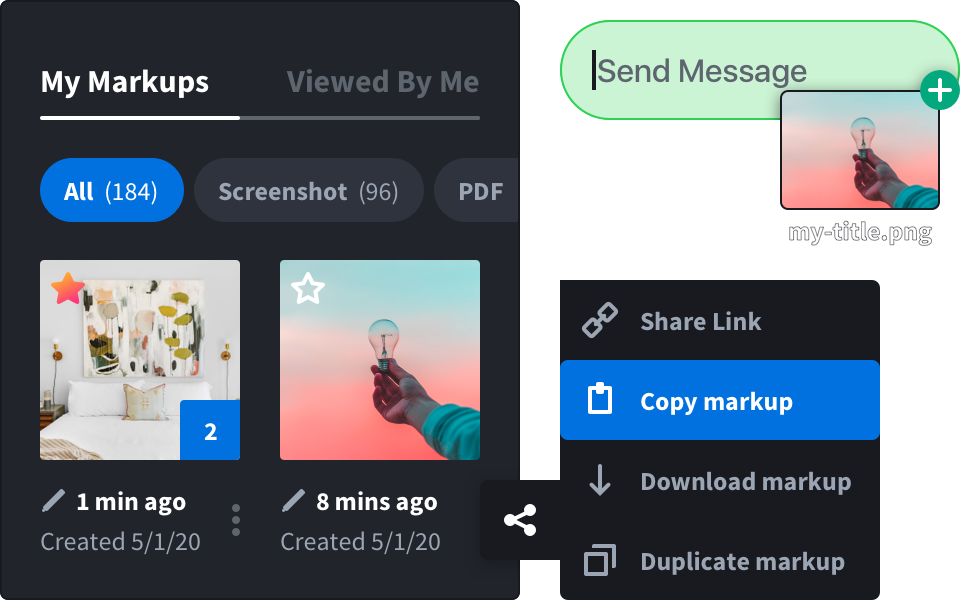
Share Links & Clipboard
Instantly share your markups in email, Slack, SMS, social and anywhere else you communicate using built-in share links with thumbnail previews.
Sign UpAll Markup Tools
All the tools you need to communicate clearly with web page and scrolling screenshots.